
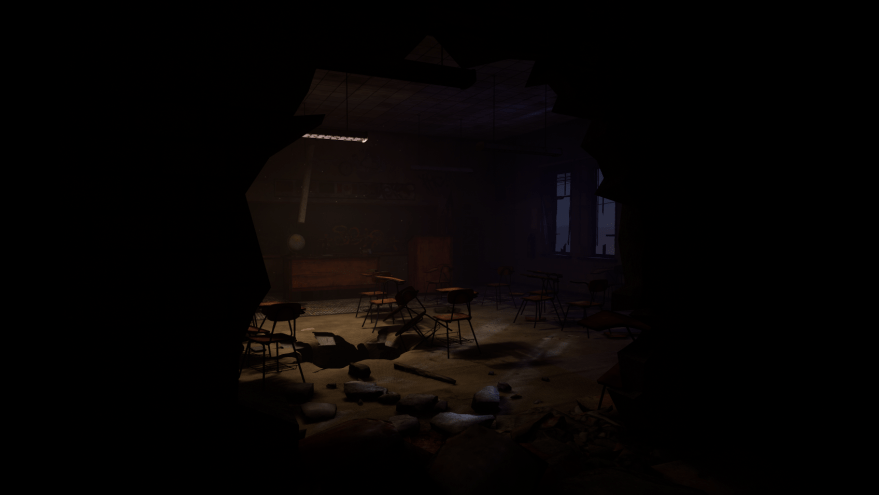
Hallowrealm is an asymmetrical warehouse-scale VR horror game that pits ghosts vs. ghost hunters. Being asymmetrical, ghosts have the unique abilities to fly and to become invisible when moving slowly. They can only kill a hunter if they grab them with their hands (tracked using a Leap Motion attached to their headset). Ghost hunters have a ranged energy pistol with limited but potent ammo, and an attached flashlight that flickers when ghosts are in their cone of vision. Physical contact between the two teams (most notably when ghosts are attacking hunters) does not occur, as the teams are split between two arenas equal in size and shape. At MassVR we developed Hallowrealm in a mere 3 months with a team of 5 developers. I was in charge of level design, but also helped considerably with overall game design, tech art, and environment art as we are too small of a team to get by without being multidisciplinary.
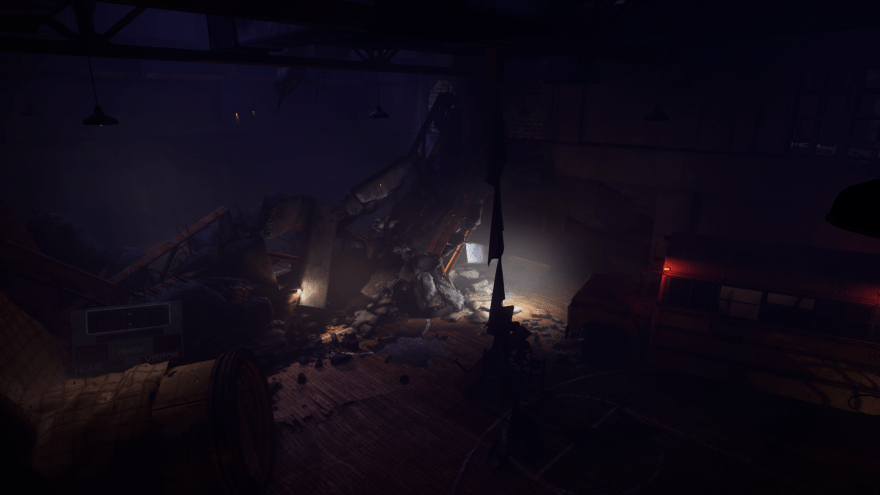
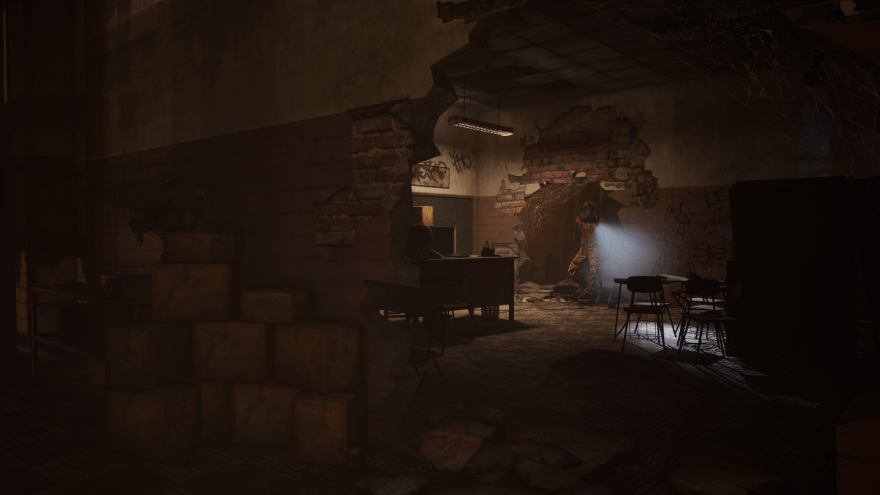
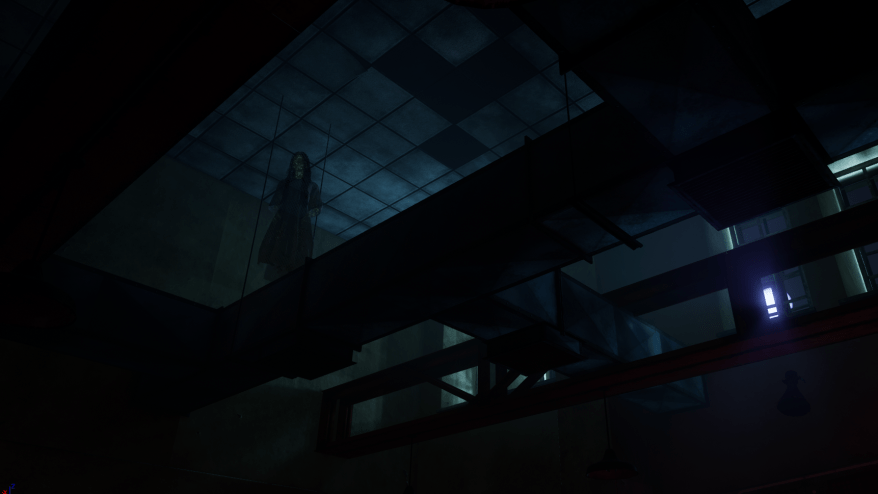
There were two major challenges when designing the map for Hallowrealm, both of which dovetail quite nicely. Our desired player count was 20 players (the max we had ever tried was 10), and we wanted one map that was optimally sized no matter the player count of a particular game session. This meant I had to design a massive map capable of providing engaging gameplay and exploration for 20 people that contained in it areas that would do the same for 2 players, or 5 players, or 8 players, or 12 players, etc. The final map is roughly 10-11 times the size of the physical play space (itself being 112′ x 70′). How that was accomplished I won’t delve into on this site just yet (simply due to my lack of free time), but I will briefly explain how the map adapts to player count below.
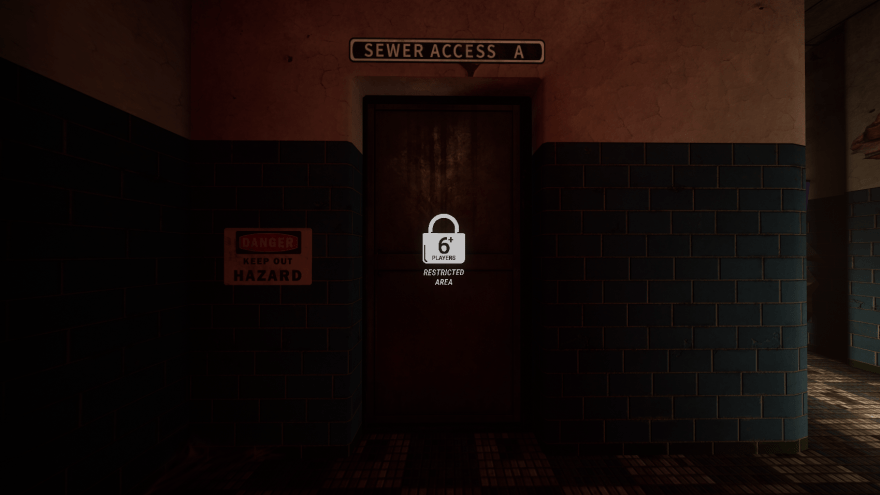
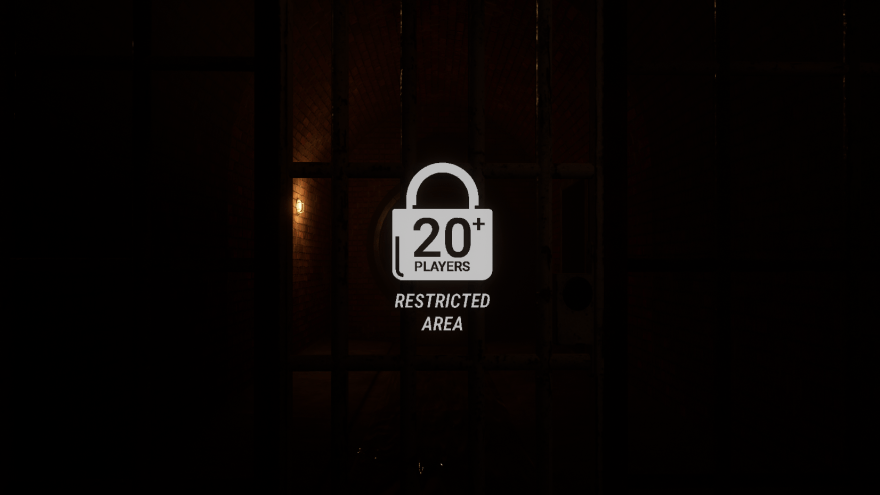
When exploring Hallowrealm‘s map, you’re bound to run into closed off doors with the icon above glowing at their center. This icon appears whenever a player gets close to the entrance of an area that is only open to x number of players. In order to meet the goal of our map supporting any number of players up to 20, I created two UE4 Blueprints: a “BP_Dynamic_Level_Obstacle,” and a “BP_Level_Obstacle_Manager.” Dynamic Level Obstacles are what are shown in the above two screenshots—doors, debris, window panes, vent grates, etc. that physically block off access to a section of the map. They have a variety of customizable settings, and “open” at whatever number of players a designer chooses. The Manager for these Dynamic Level obstacles handles an array of them all, calling “Open” or “Close” on them based on the number of players it receives from the game state. It runs through this process only during the “suit up” portion of the game (before match time begins, while players are putting on their backpacks and headsets) so as to not call “Close” and block people off from an area they managed to wander into.
 Berto Ritger