
UPDATE

Elements Tower Defense VR won Best Game at Miami University’s 2017 Student Game Awards.

This is our pre-alpha trailer. I’ve since added destructible meshes for all enemies and additional particle effects for lightning and icicles, but the footage in this trailer was taken before said additions. I was in charge of making the trailer above; including recording my own gameplay, editing the raw footage in Adobe Premiere, and designing the game’s logo in Adobe Illustrator.
Elements is an Unreal Engine 4 virtual reality tower defense game. All of the modeling and animation for the game are my own work, done solely in Maya. Blend spaces for the animations of two of the enemies were subsequently made in UE4.
ART DIRECTION
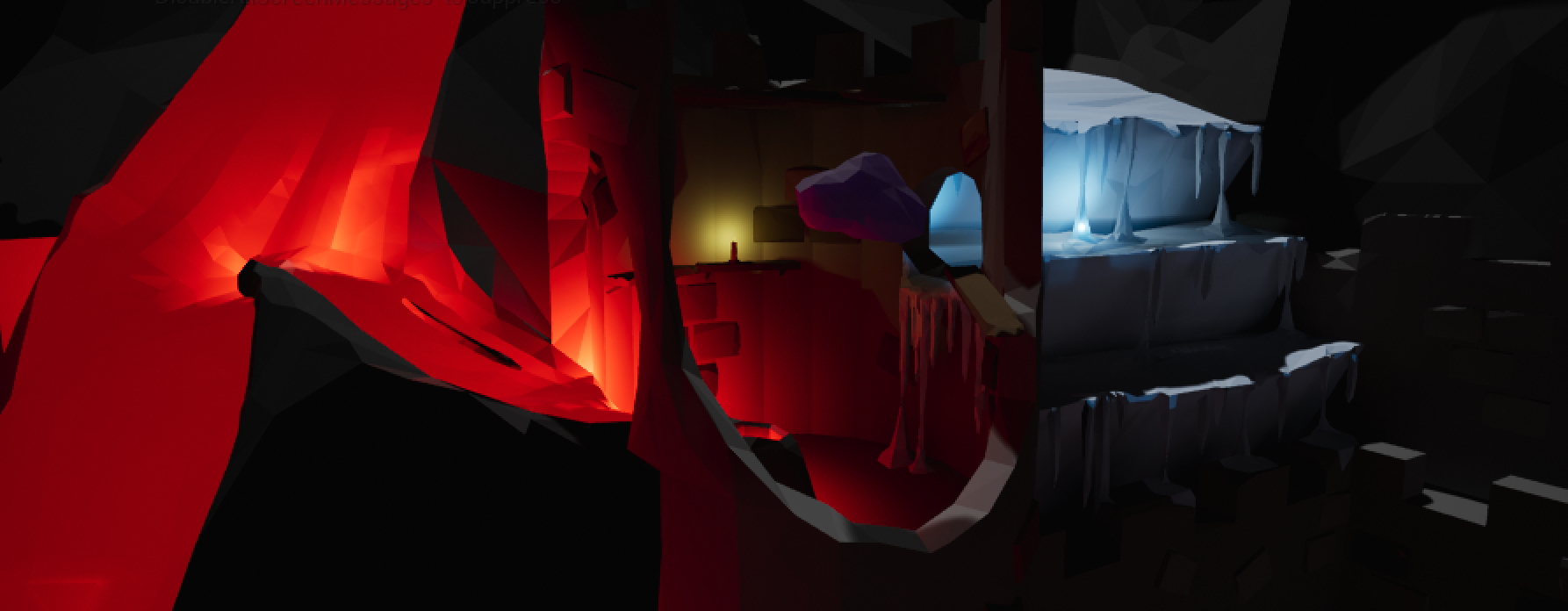
In addition to modeling and animation, I was tasked with the lighting and texturing of the game and, as a result, I decided the overall art direction. I chose a low-poly style to maximize performance in VR as well as to make sure objects/enemies are easily distinguishable from a distance in the headset (currently, even with a 1080×1200 resolution for each eye, the Vive is noticeably pixelated). Not only that, but I’m a huge fan of stylized artwork, especially in games like Journey, Job Simulator, or The Witness.
Below are some UE4 shots of Elements with full resolution, color, and lighting.


LEVEL DESIGN
Below I’ll explore how the game’s level, its play space, and its art style evolved over time. We took play tests very seriously, constantly iterating to optimize for fun.

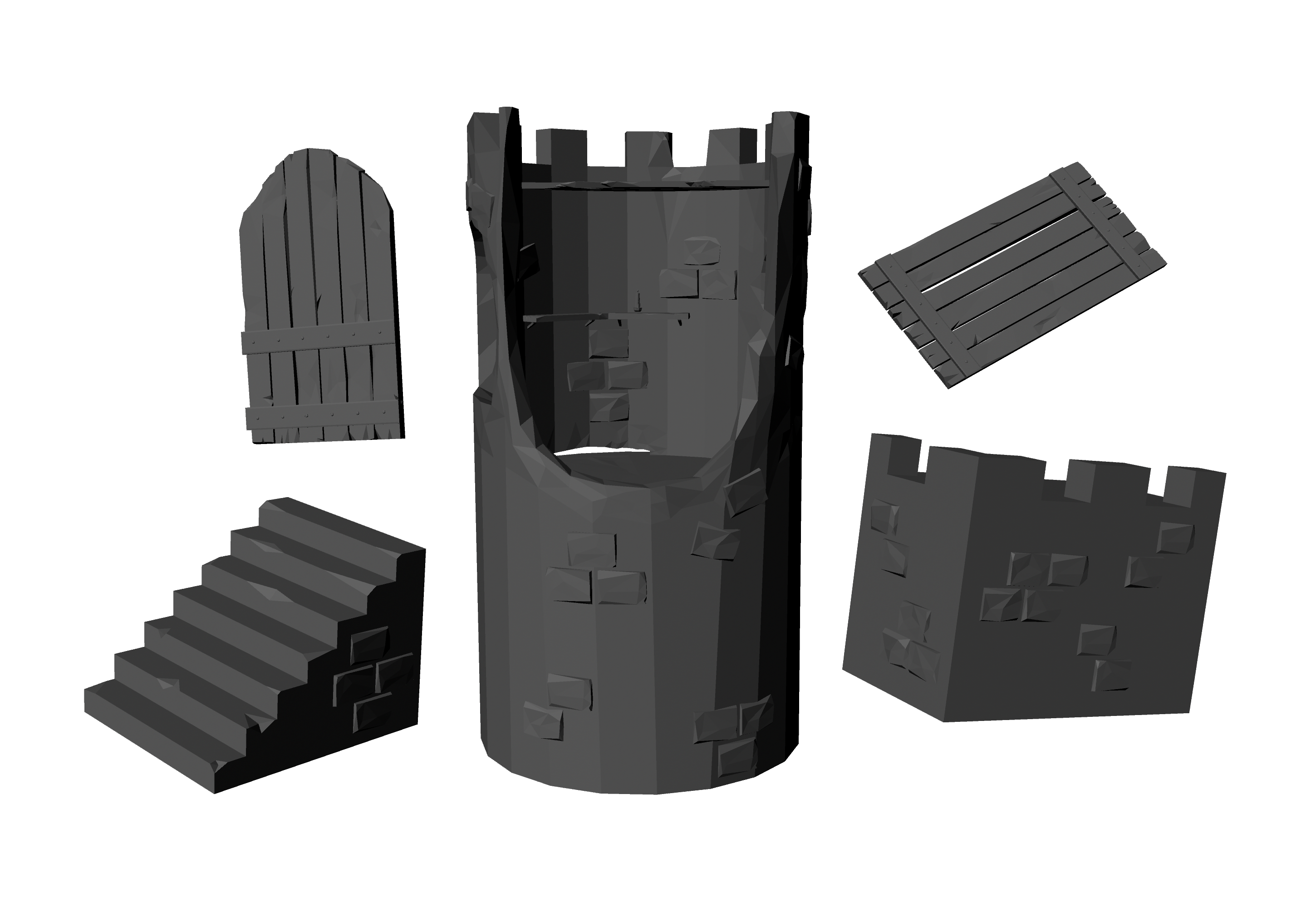
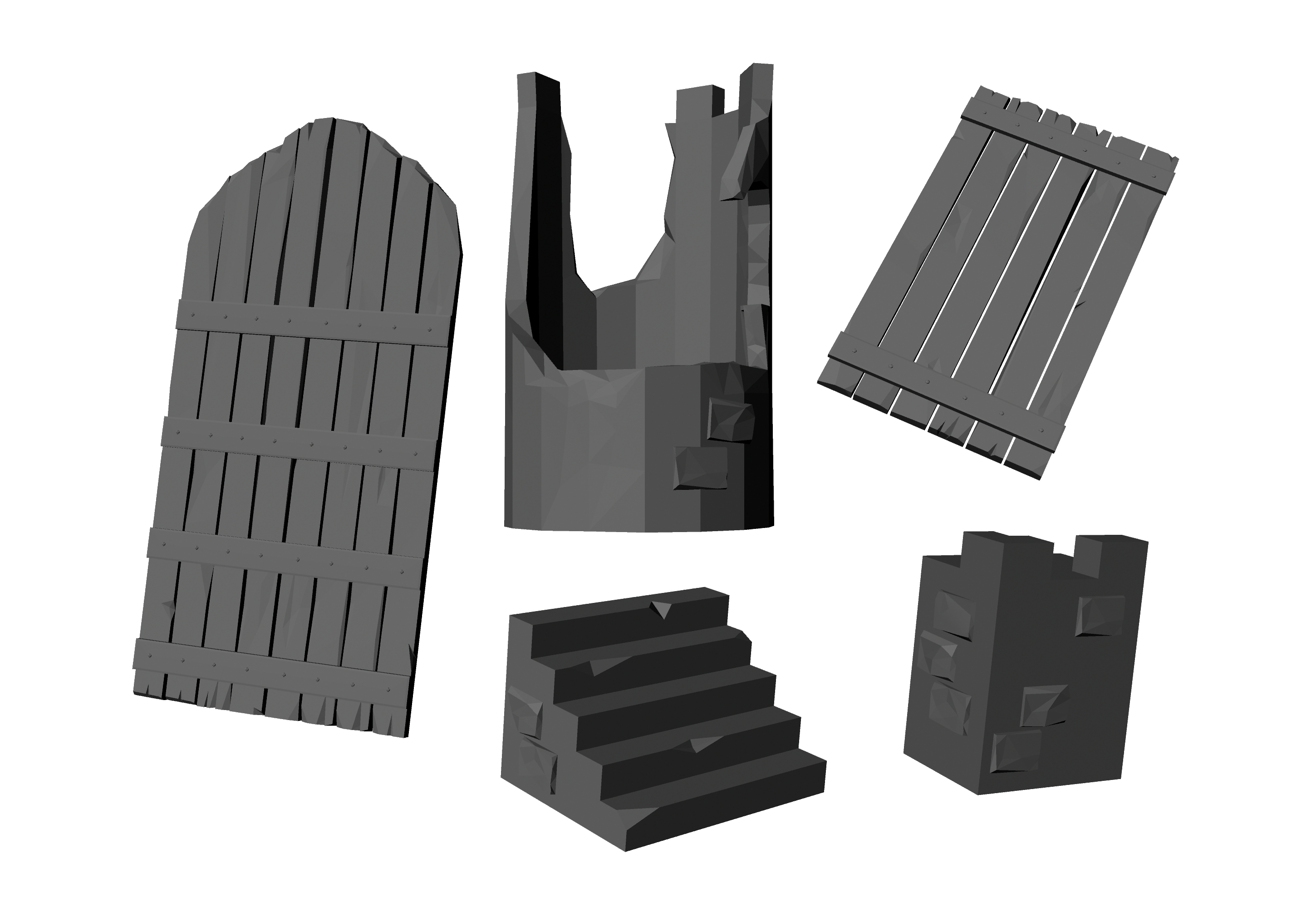
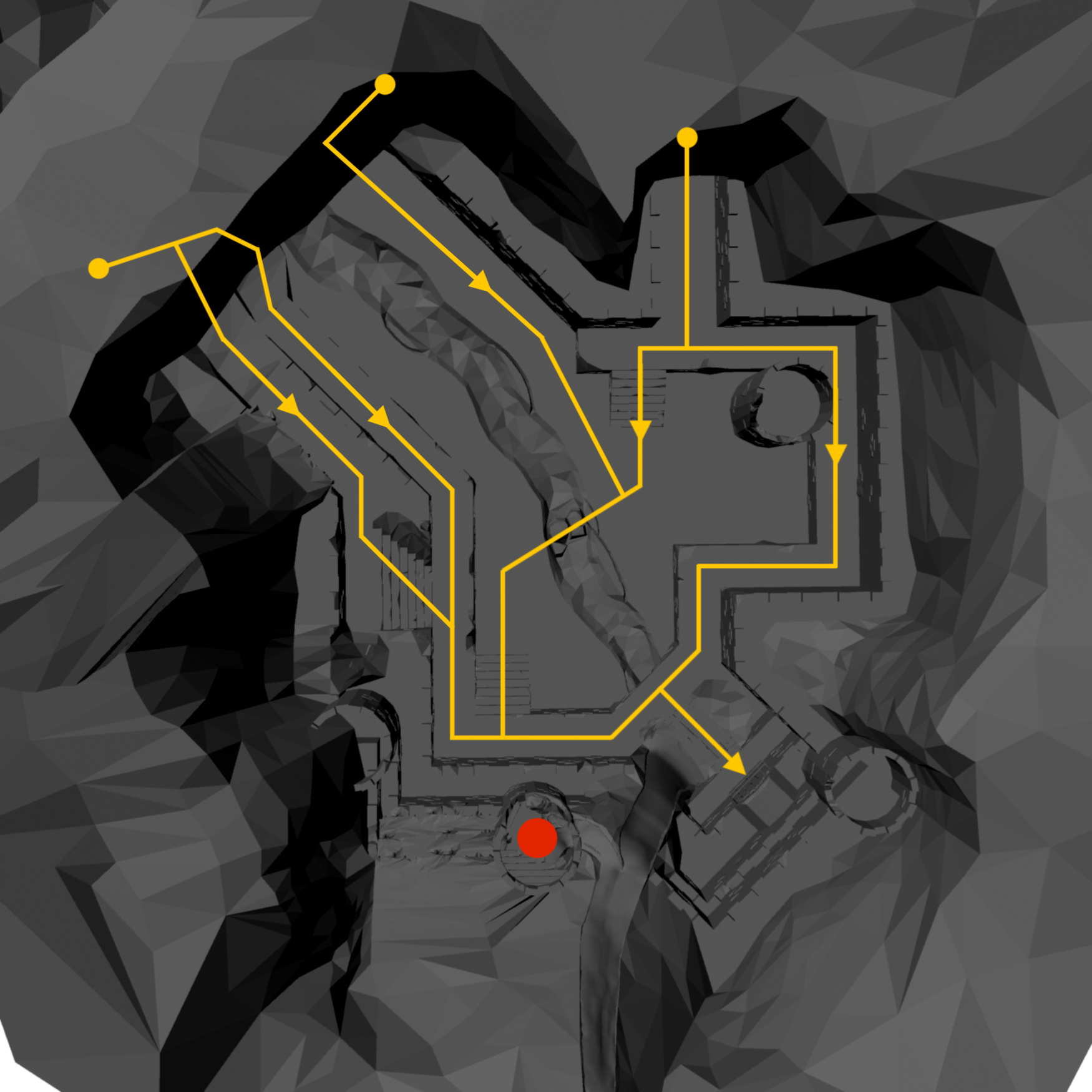
As you’ll see from the second to the third iteration, I increased the size of the door the player was meant to defend. Below you’ll see I also increased the size of enemy pathways. The door size increase served two purposes: to be more visible and exciting for the player; and to allow more enemies to attack it at once. The enemy path size increase was done for three reasons: to accommodate more enemies; to make pathfinding easier for our AI system; and to reduce clipping and snagging that was occurring between the enemy models and the environment.
The images below show in detail how the layout of the map changed with each iteration. The first was done as an imprecise white-box mockup (including early placeholder assets) in UE4 for testing, and the second was a full modeling pass in Maya. The player area is shown in red, and the spawn points and paths of the enemies are shown in yellow.
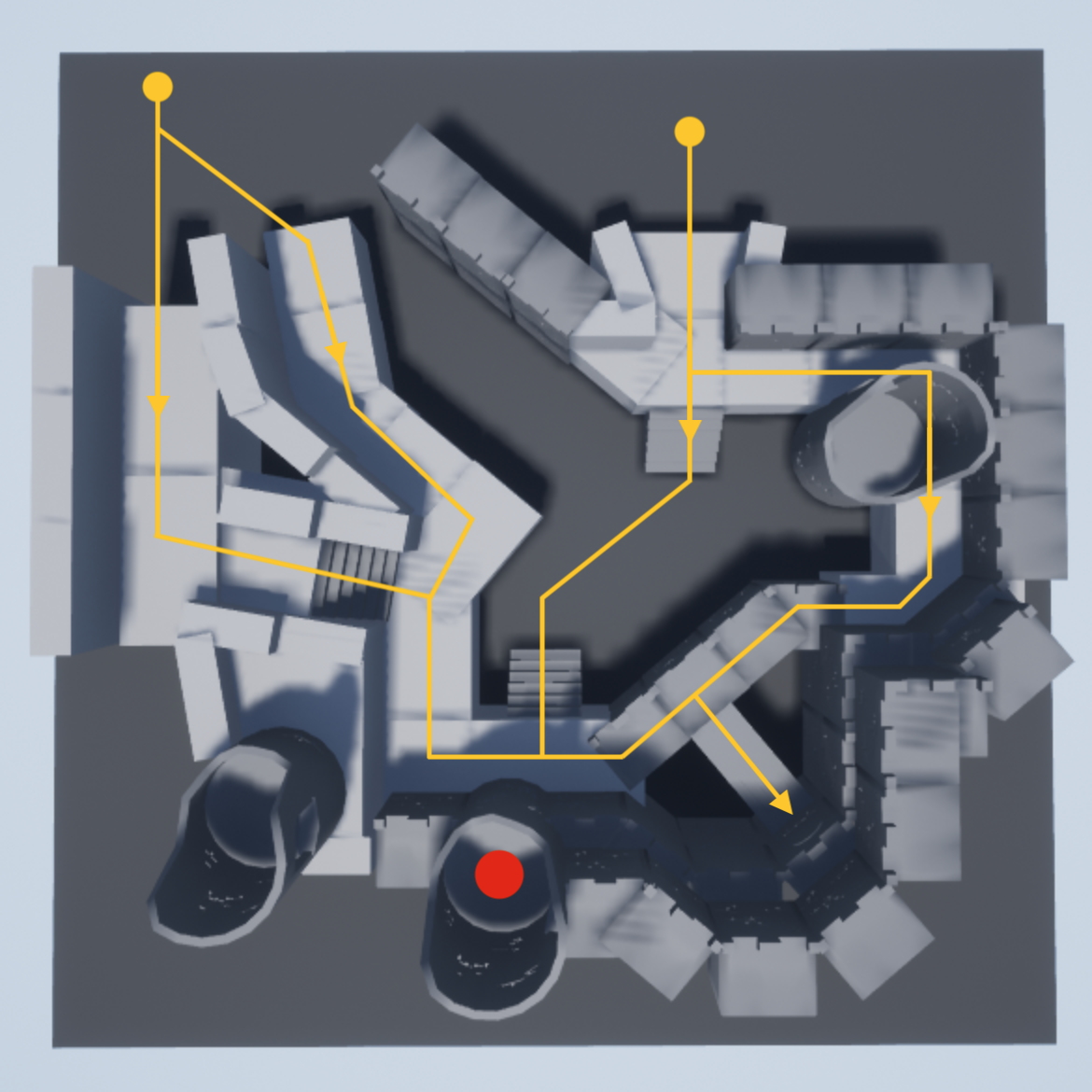
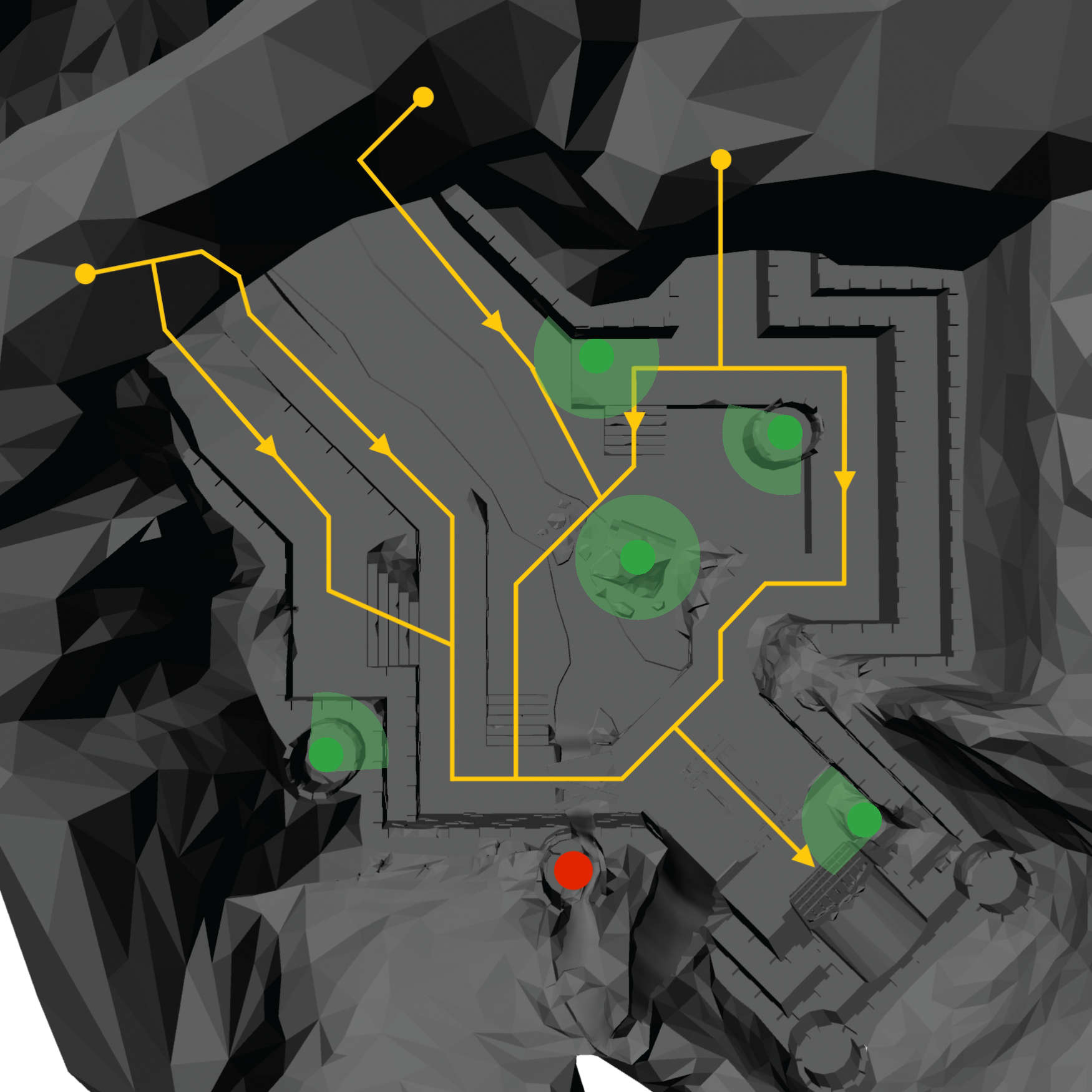
Later in the project we decided we wanted to add more traditional tower defense items (placeable turrets, traps, etc.) so I did another rework, adding flat areas (show in green) that were optimal for placeable items.
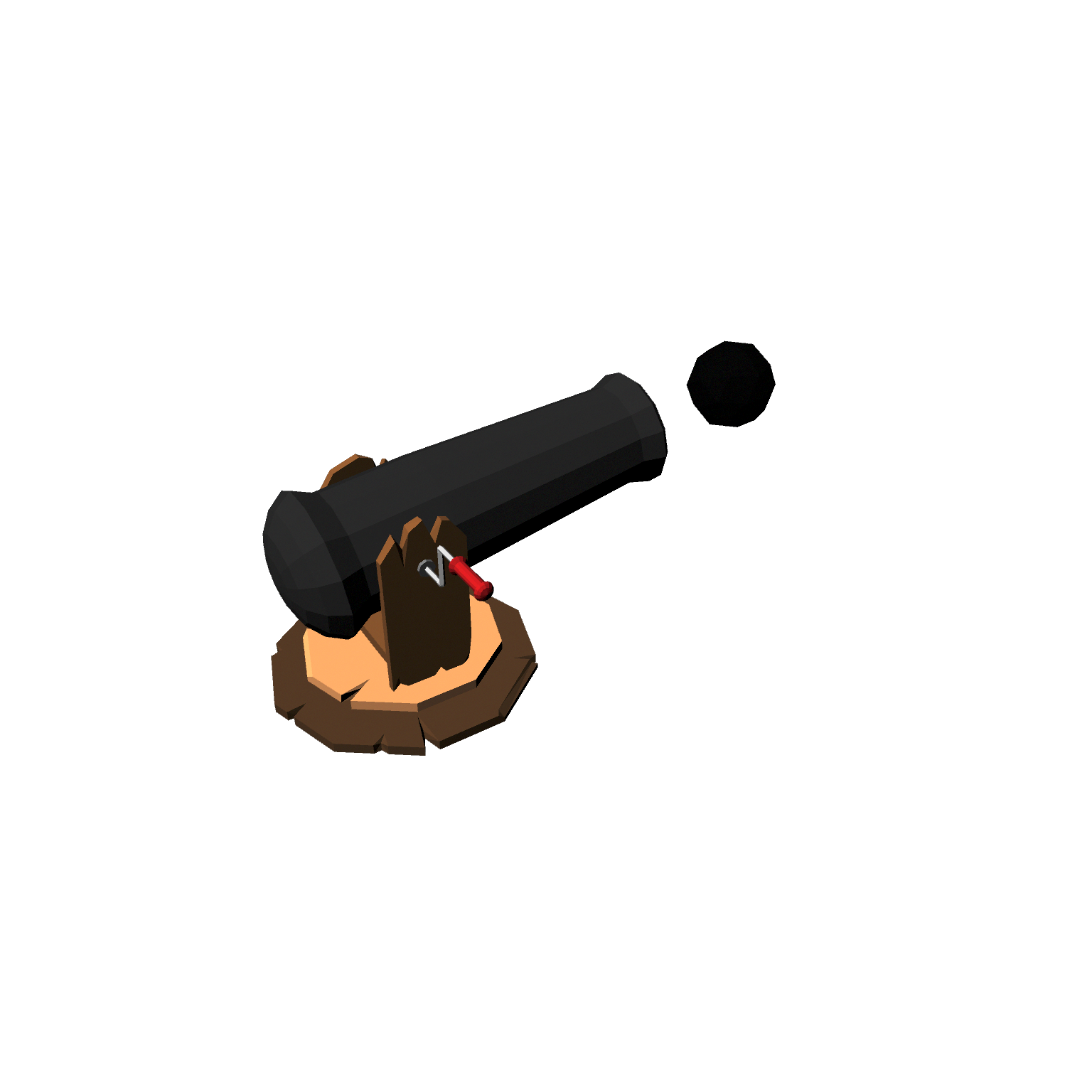
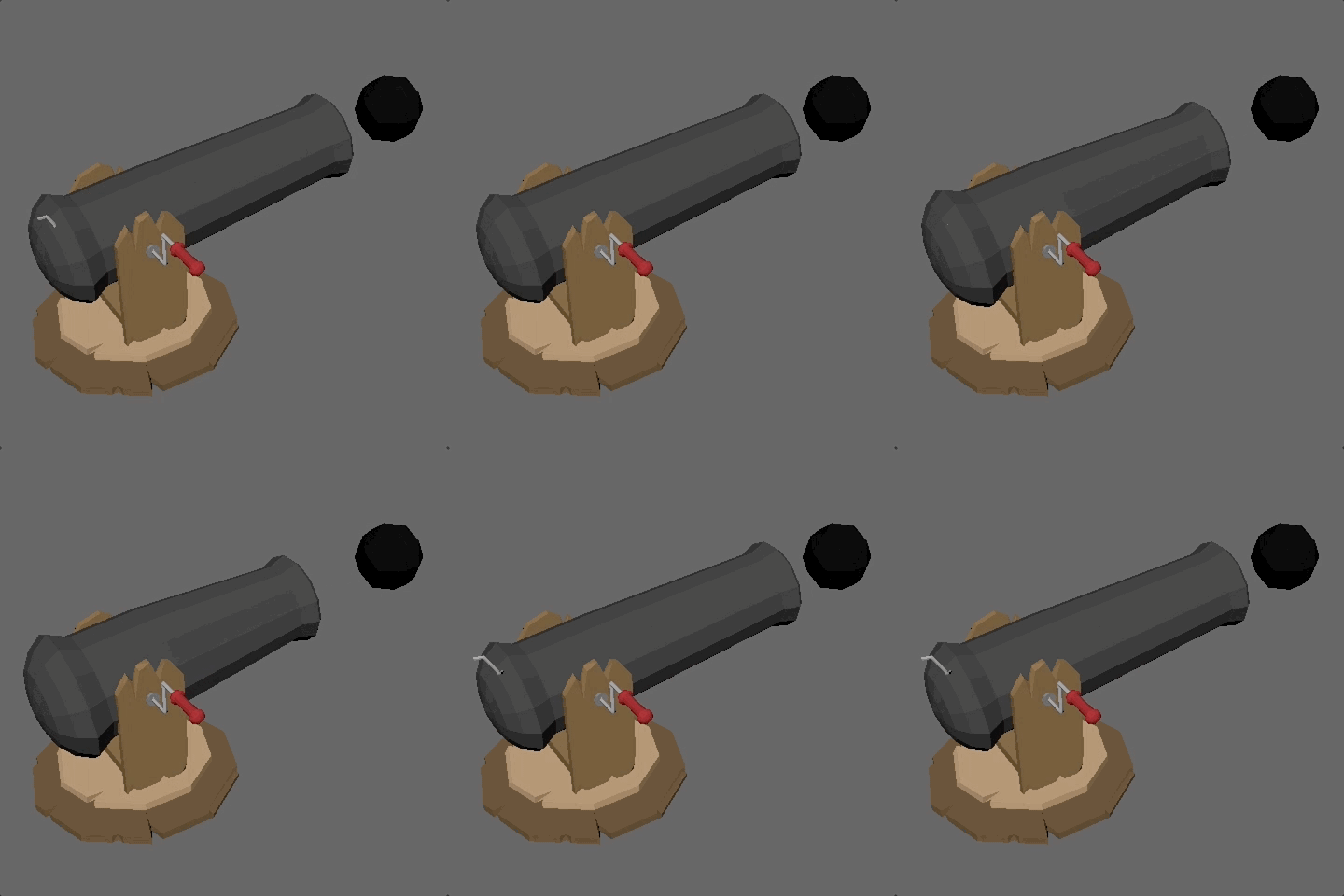
Placeable items have gone through multiple iterations and are not fully implemented as of yet, but here is initial cannon asset I modeled and animated as a proof of concept:
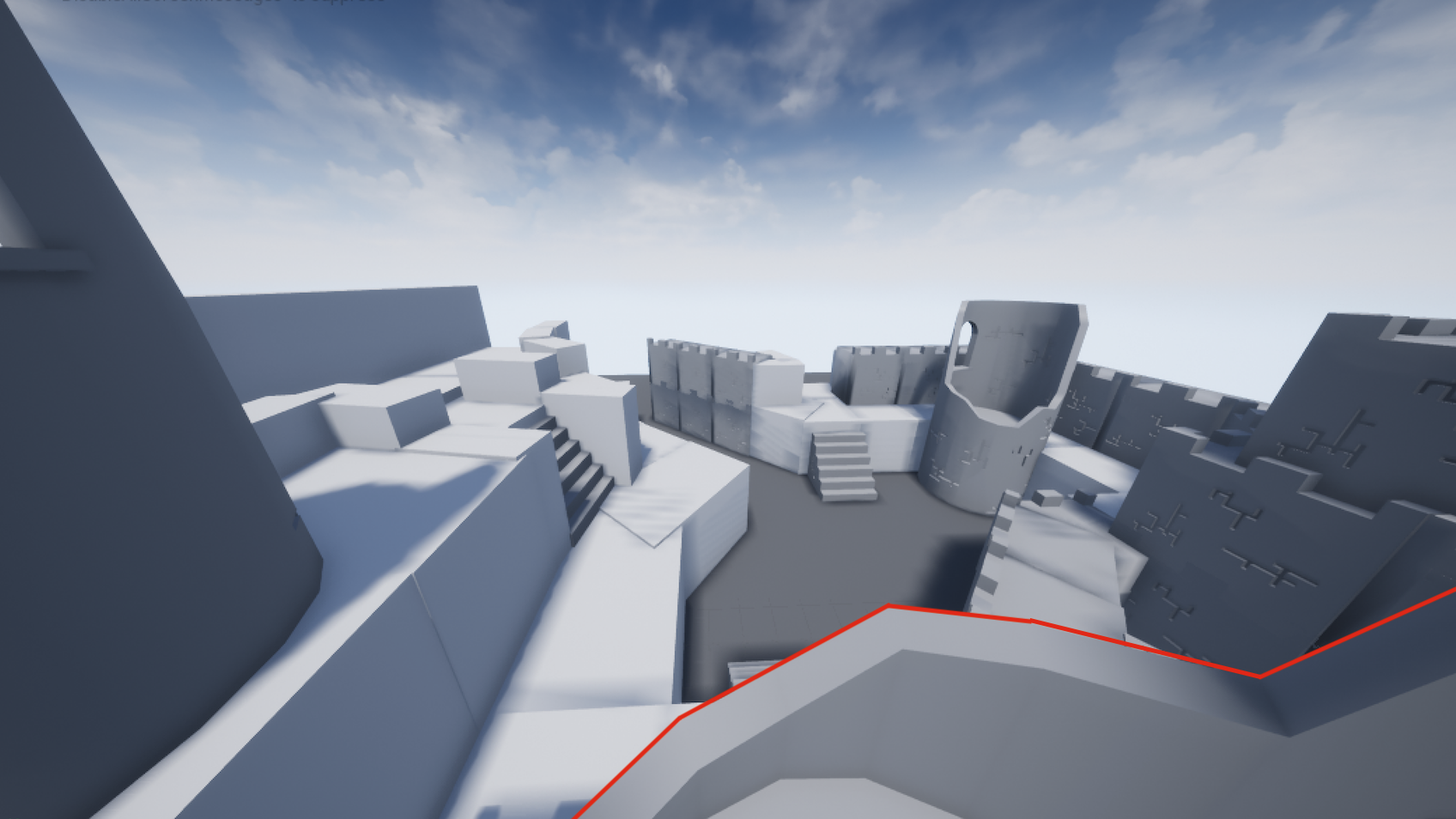
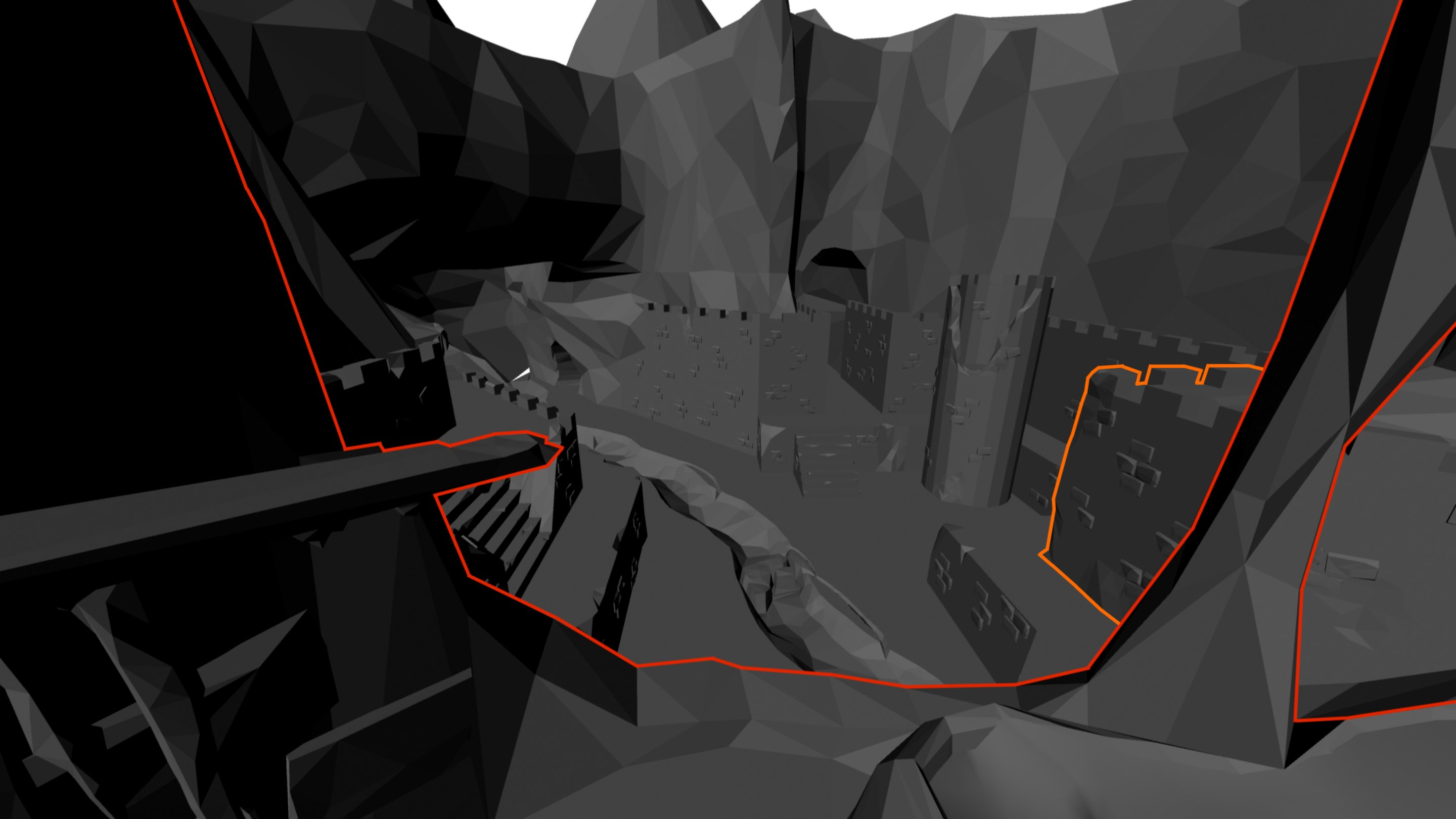
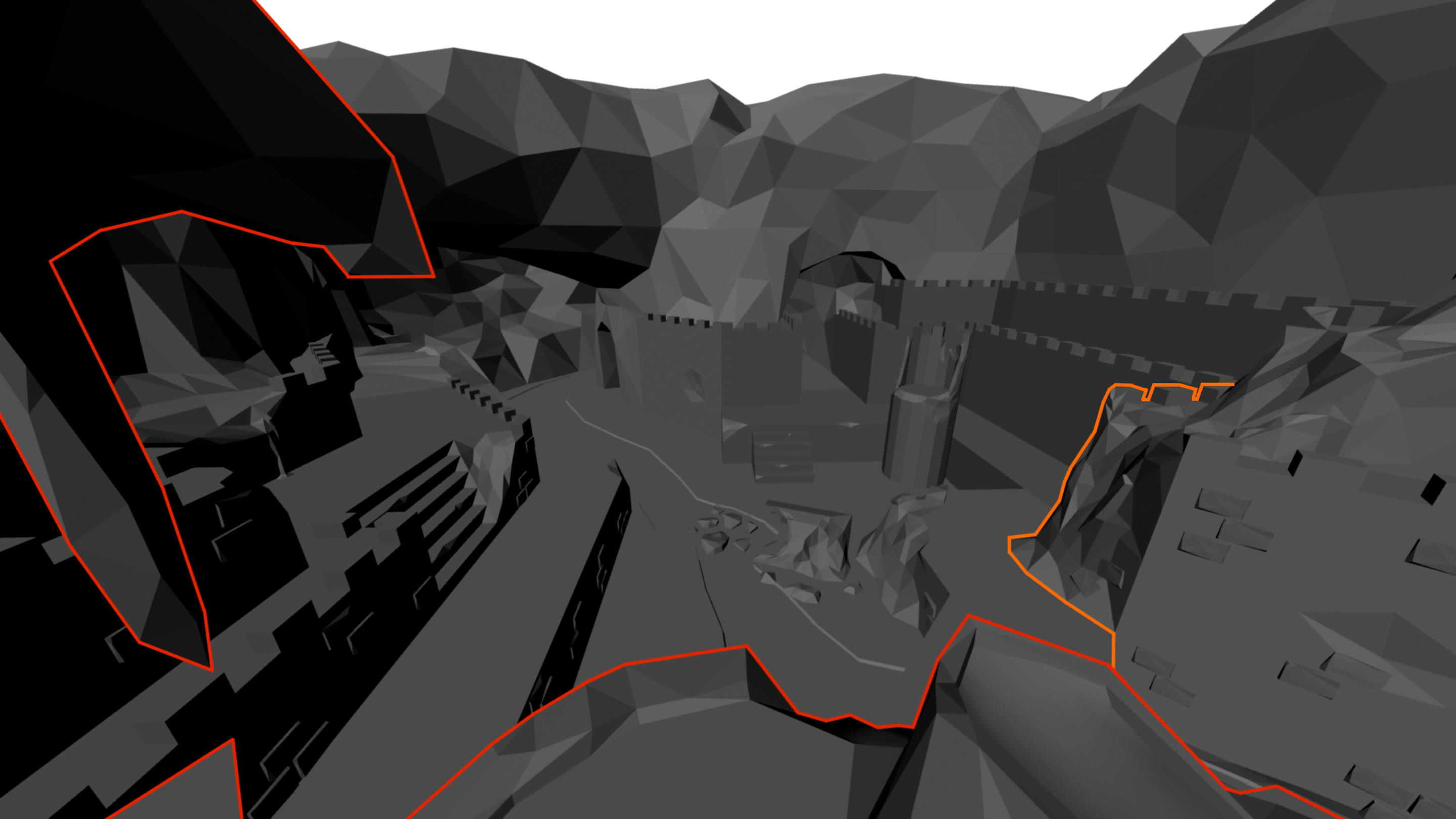
A major issue that was ran into throughout development was the play space tower and how it effected the player’s FOV. It took many iterations, but with my final design I was able to give the player full view of the level while keeping the location of the interaction objects (lighting cloud, icicles, and meteor/lava pit) in easy reach.
Below are screenshots exemplifying how the view from the play space (show in red) was changed over time. The orange corner became an issue later in development when we realized it also served to unreasonably obstruct the player’s view. In the final Maya pass over the level, I fixed this as well.
ENEMY MODELS & ANIMATIONS
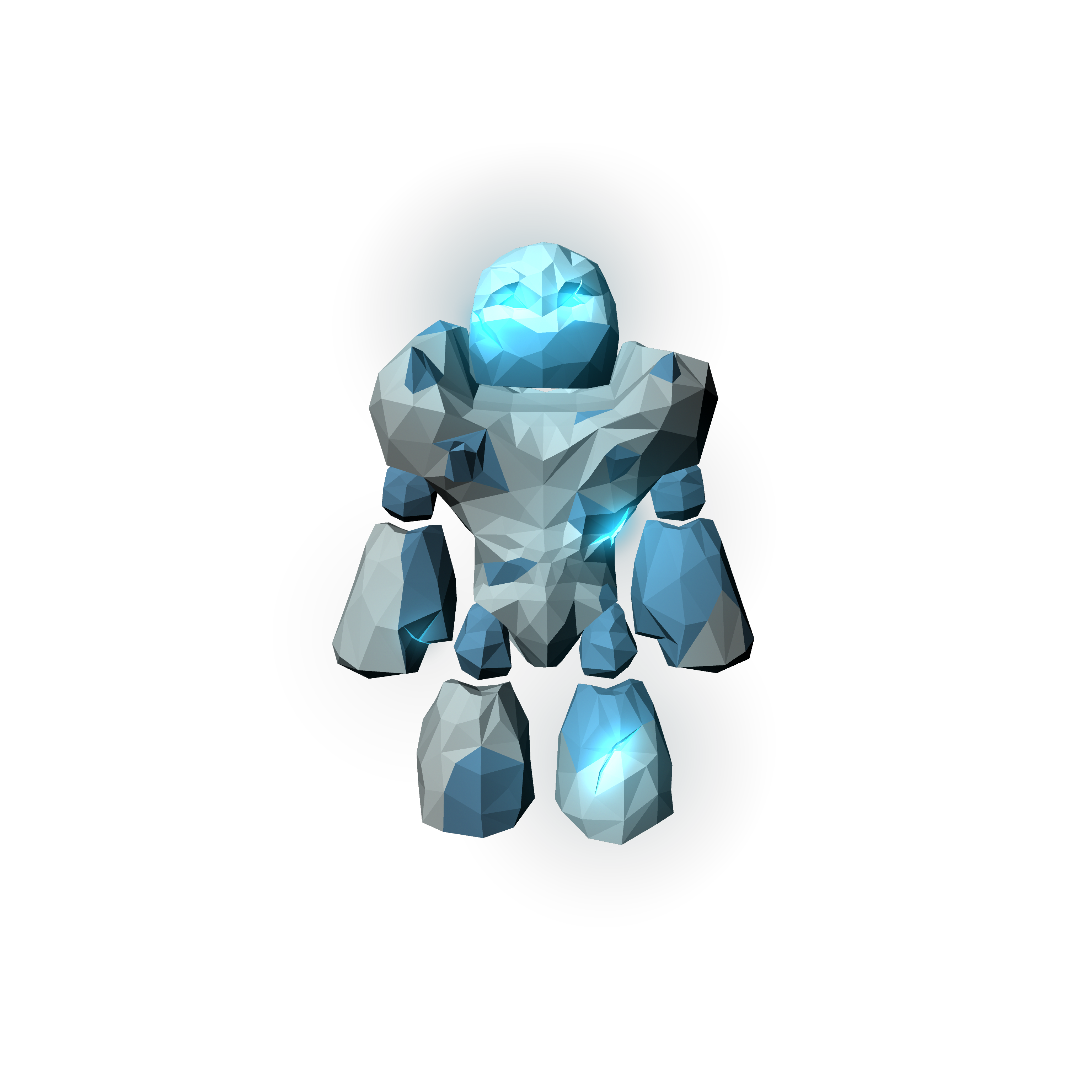
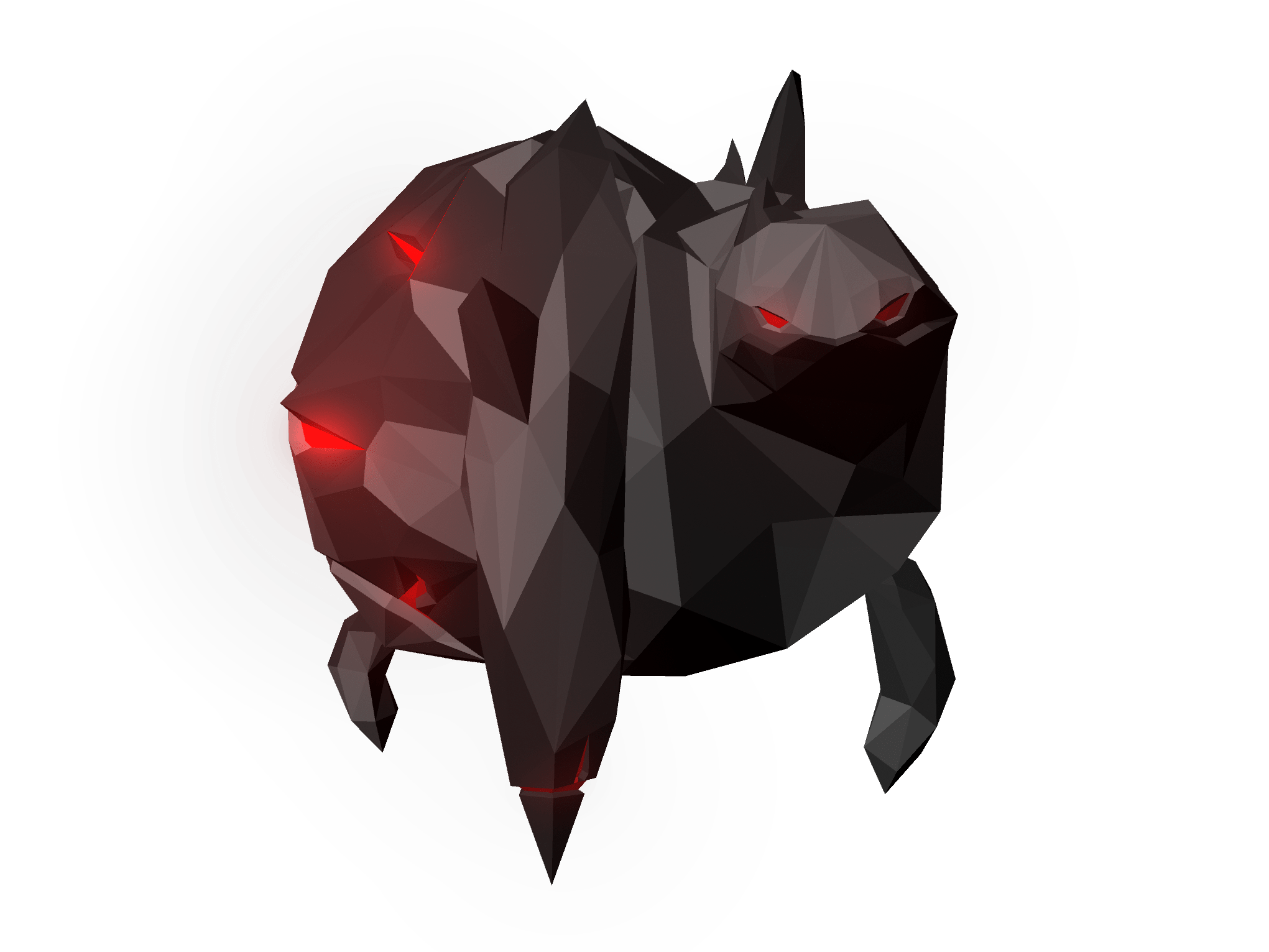
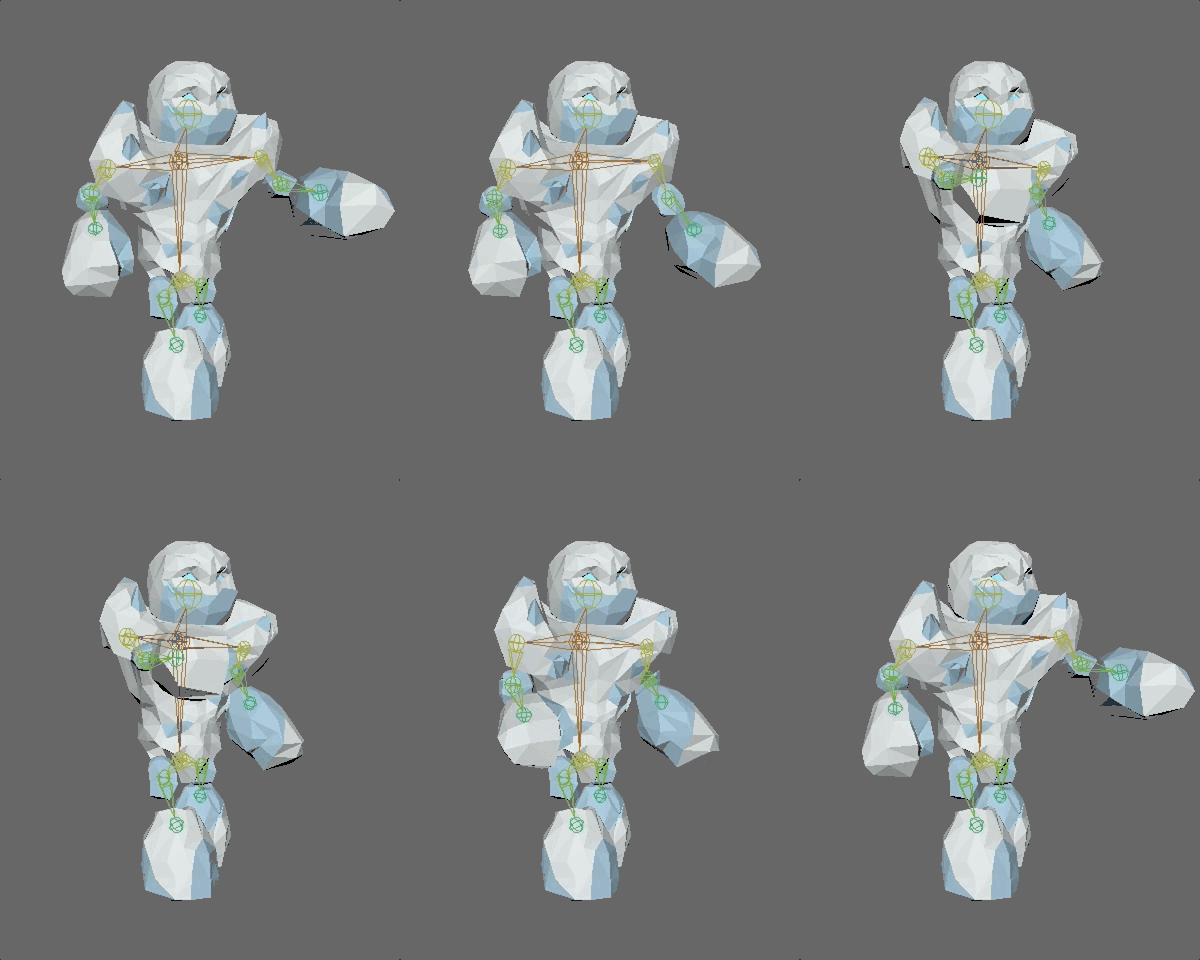
There are currently three types of enemies in the game, from left to right: a fiery, explosive small enemy that blows itself up once it reaches the door; a medium enemy that stands at a short distance from the door, extending its single arm to shoot an electric beam that inflicts gradual damage; and a large, lumbering ice golem enemy that does devastating melee damage to the door if it manages to reach it. I modeled, textured, rigged, and animated each of them myself.
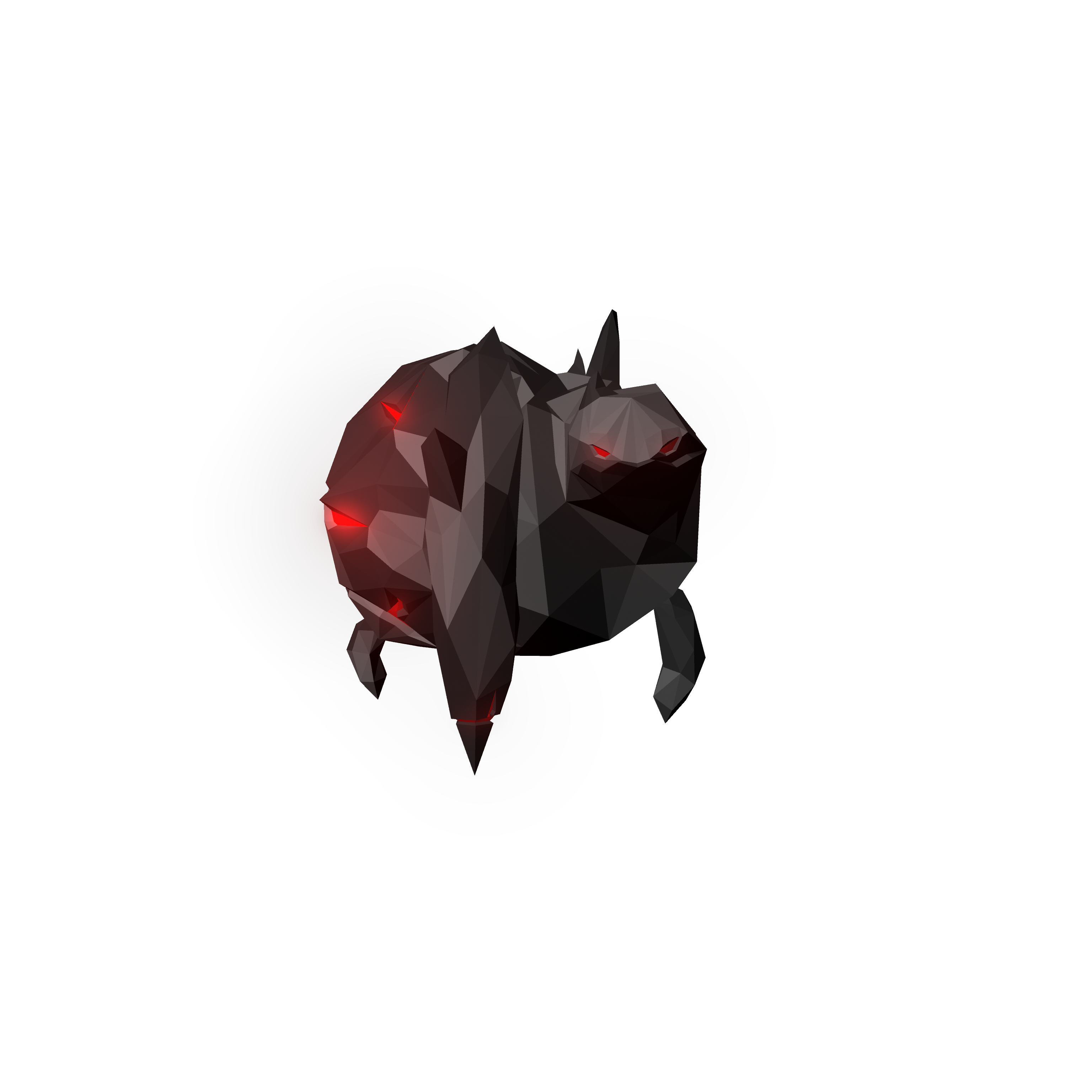
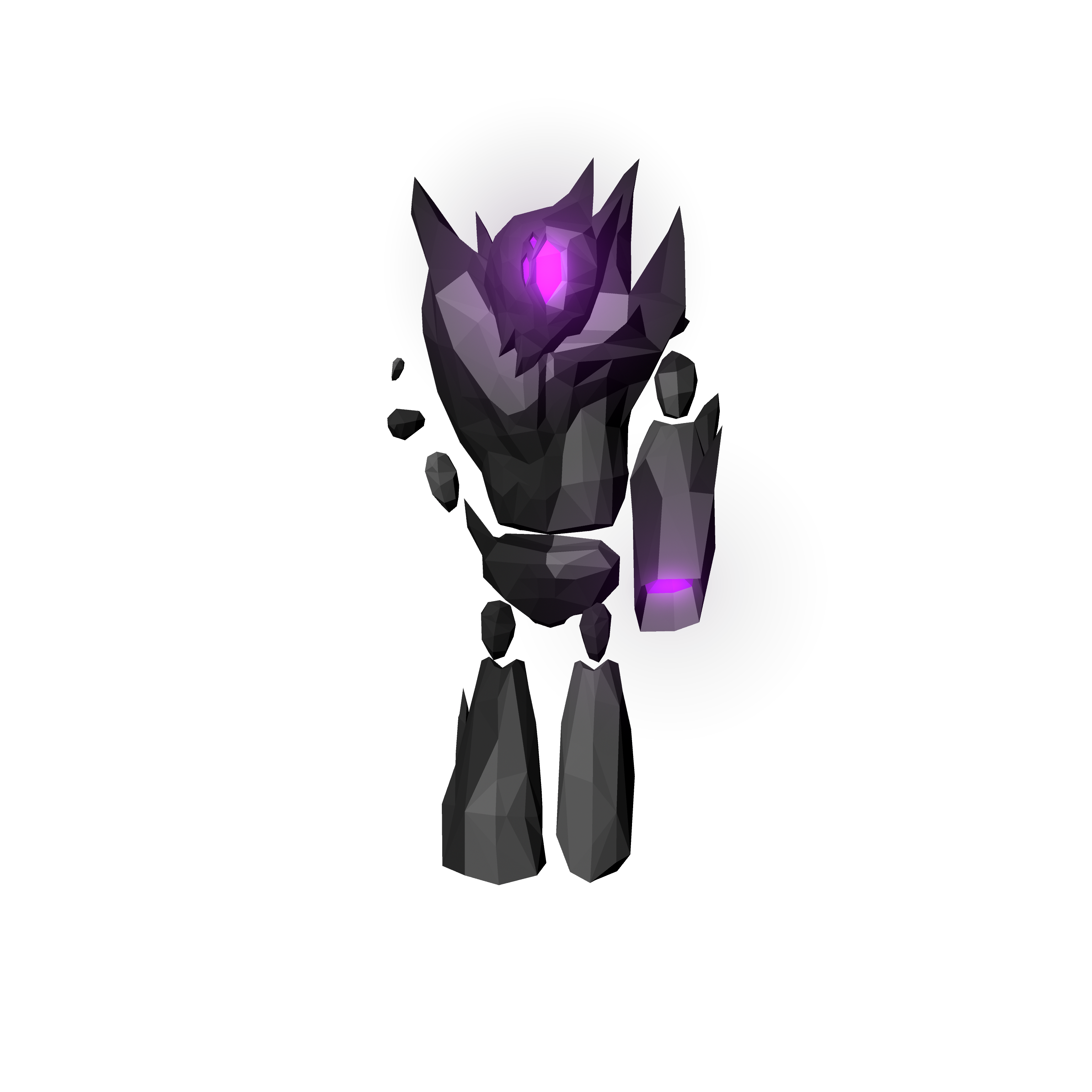
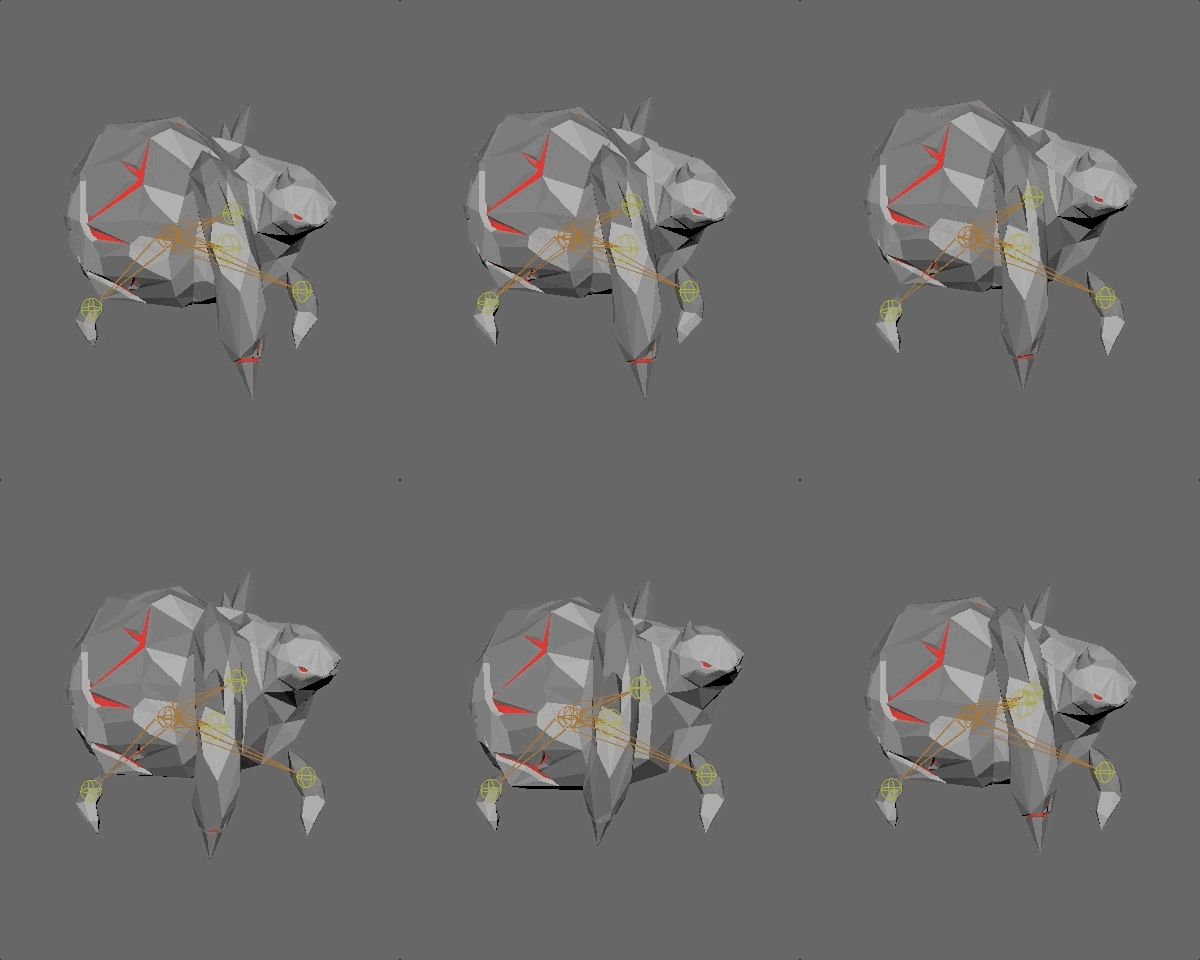
I only had to do a walk animation for the small enemy as I created a destructible mesh in UE4 for the enemy’s attack. I applied force and a particle system to the destructible mesh to create the explosion animation seen in the pre-alpha trailer.
The medium enemy required an idle animation (if it were to be queued behind another enemy, or stuck for a time on its path). I created a blend space in UE4 to transition between its idle and walk animations.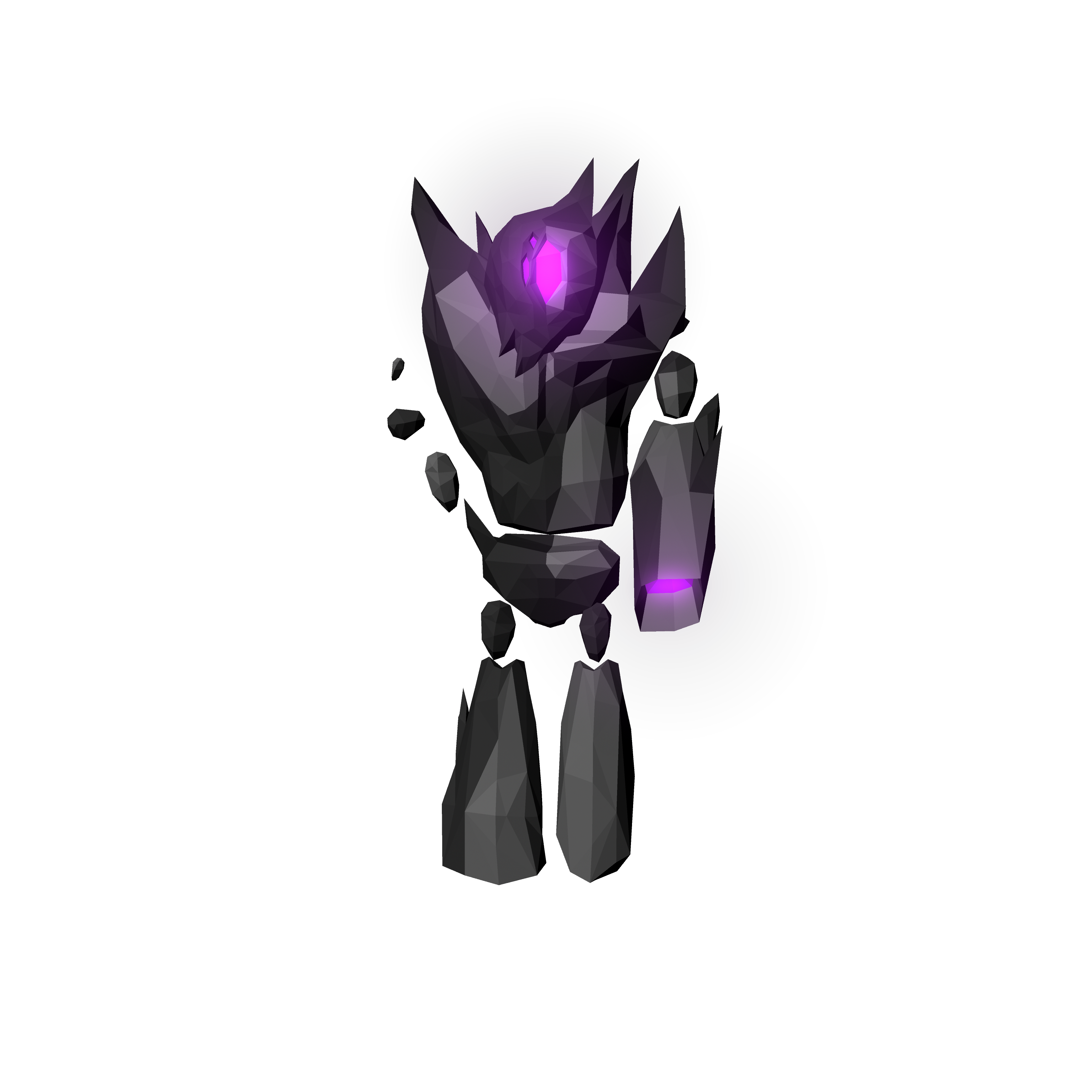
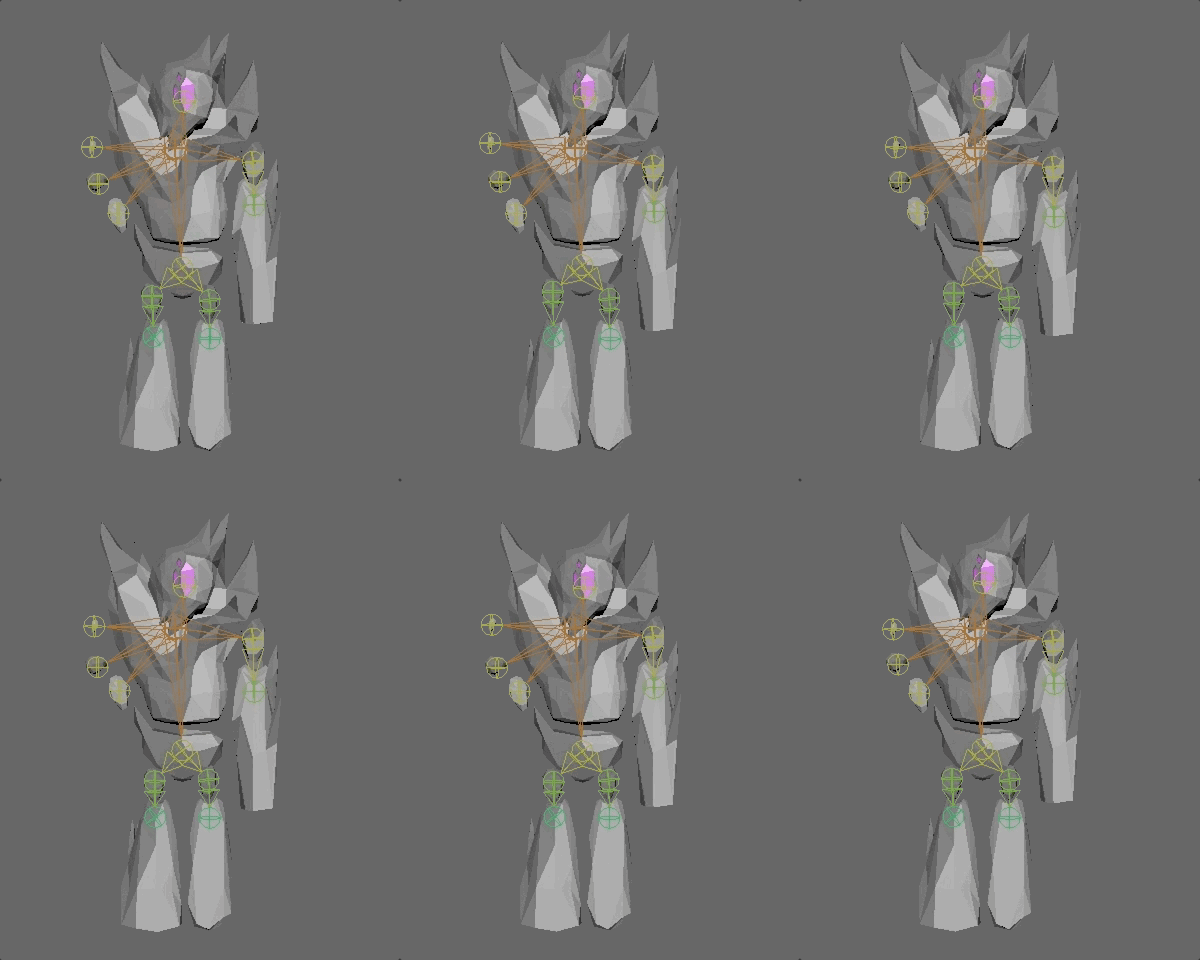

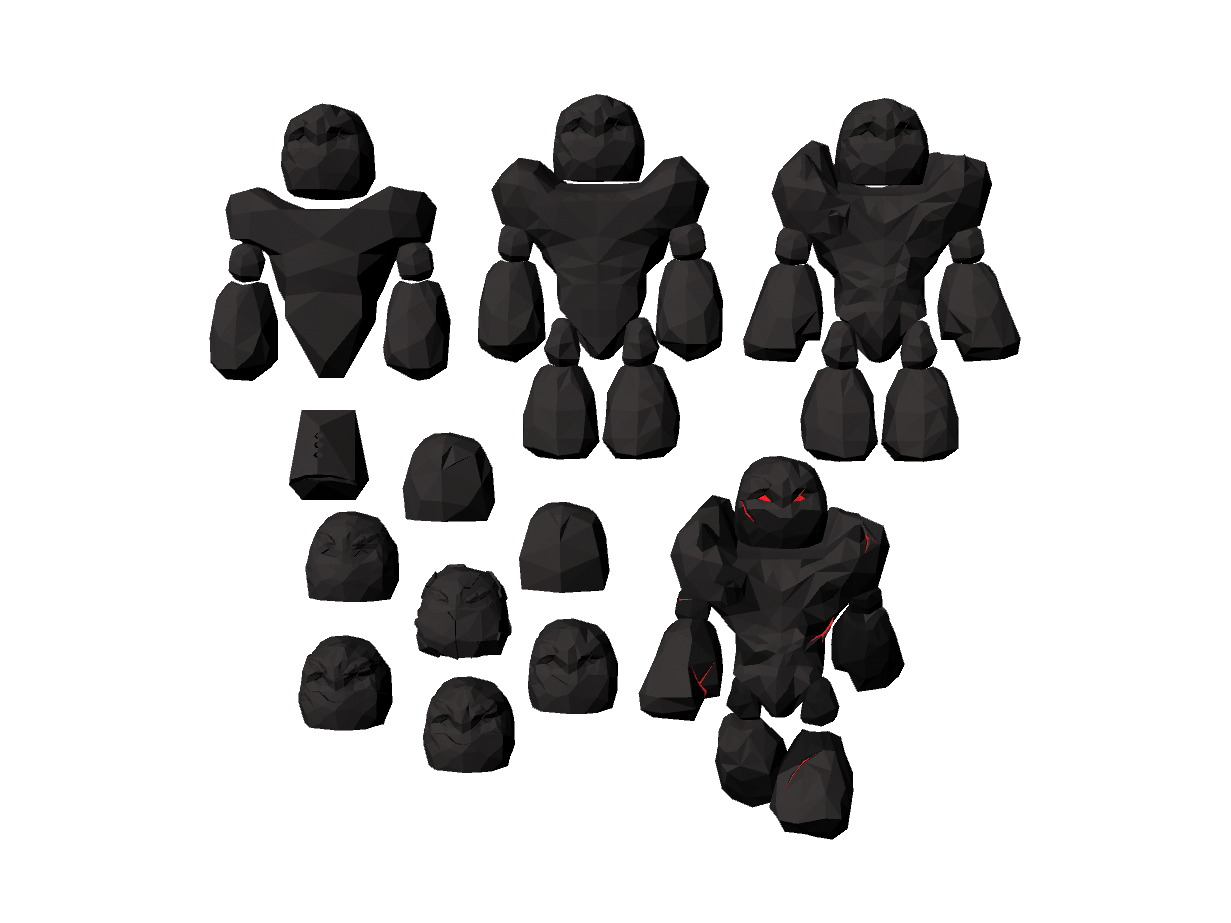
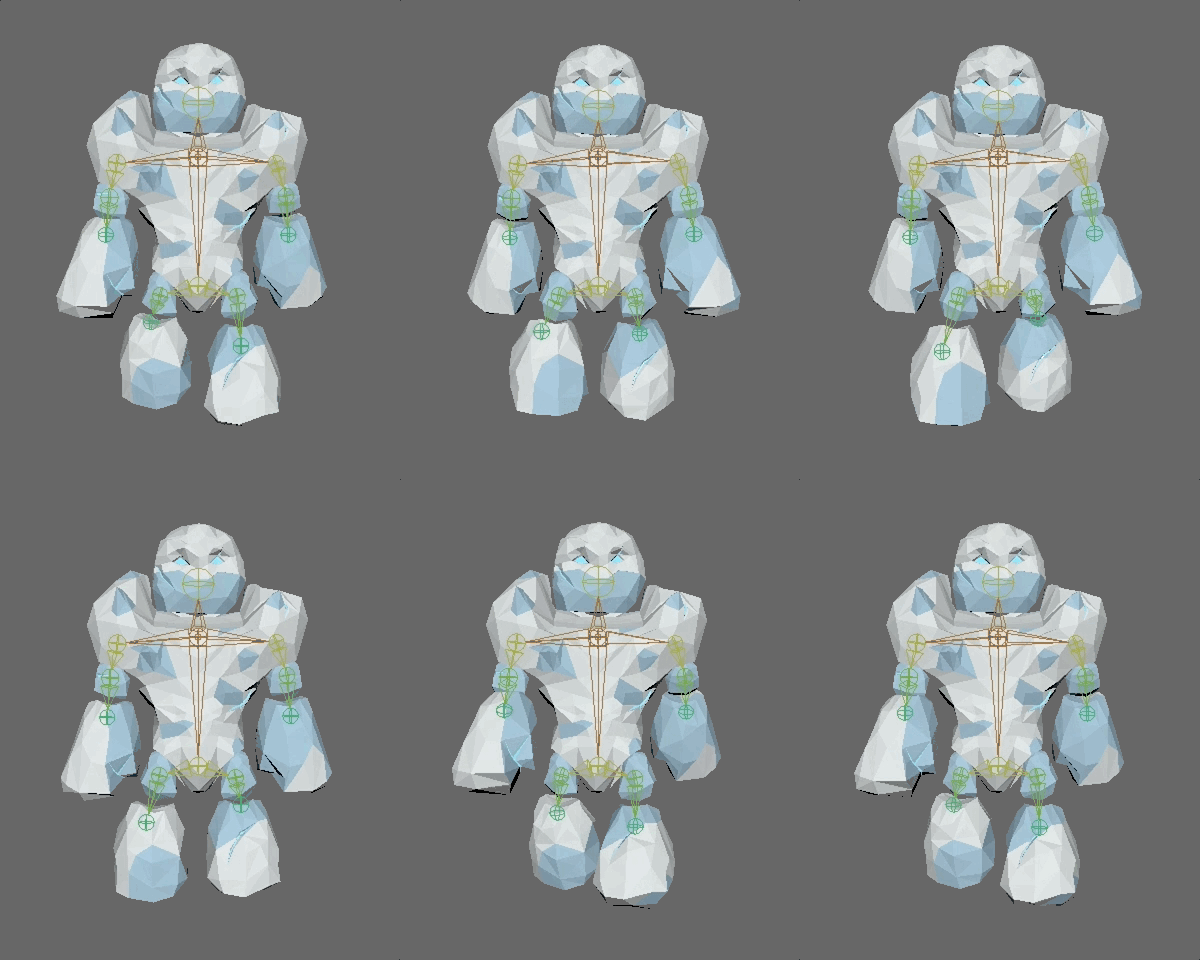
The large enemy took the most time and iteration to get right. It required not only the most detail, but the most animations as well. I created three UE4 blend spaces for this enemy, an idle-walk, walk-attack, and idle-attack.
It took a while for me to decide on what head I wanted the large enemy to have, and how much detail to include in its torso. You’ll also notice below that the large enemy was initially designed to be lava-themed. This was changed to ice once I created the small enemy.

 Berto Ritger

